
“I got a new computer”
New computer setup and data transfer
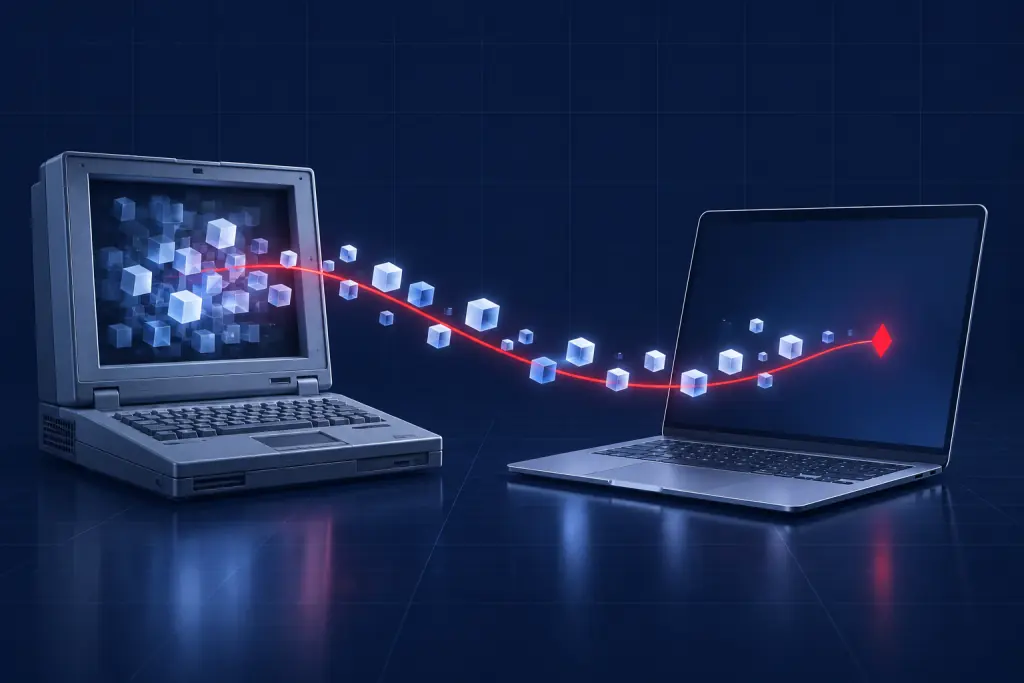
The new computer is the easy part. Getting years of documents, photos, email, bookmarks and saved passwords onto it, and the printer working again, is where an afternoon disappears. We do it with you in one sitting where we can.
How to recognize it
- A new computer is still in the box because the move feels like too much
- The old one still works but is slow or no longer gets updates
- You are switching from Windows to Mac, or the other way
- You want the new one set up without trial software and nagging
- Family photos live on the old computer and nowhere else
What you can try yourself first
- Keep the old computer until the move is checkedDo not wipe, sell or recycle it until you have opened your files on the new one.
- Make a listWrite down the programs you actually use, the email accounts, and where your photos and documents live. Anything not on the list tends to be discovered missing a month later.
- Find your license keys and loginsPaid software such as Office or tax programs needs your account or key on the new machine. Look in your email for the purchase receipts.
- Use a cloud account you already haveIf your files are already in OneDrive, iCloud or Google Drive, signing in on the new computer brings them back by themselves.
- Get both computers on the same networkSide by side, both plugged in to power. That is the starting position for any transfer.
When to stop and call us
- You want it done properly once, with nothing left behind
- The old computer barely runs and you fear it will not survive the copy
- There is business software, a shared drive or a database to move
- You are replacing several office computers at once
How a remote session fixes it
With both computers on, the technician connects to them, moves documents, photos, mail, browser bookmarks and saved logins, installs your programs fresh, removes the pre-installed trials, turns on updates and backup, and reconnects the printer. You try it yourself before we hang up.
If the old computer will not start at all, the files may still be on its drive. Call us first. If the drive itself has failed, that is a job for our sister service, Denver Data Recovery.
Questions
Can a new computer really be set up remotely?
Yes. You do the first power-on and Wi-Fi with us on the phone, then start a remote session and the rest happens on screen.
How long does a transfer take?
It depends on how much data there is and how fast the old computer and your connection are. Large photo libraries can take hours to copy, so we plan that with you at the start.
Do you help choose a computer?
Yes. Ask when you call or during a session, before you buy.
Related problems
Help with this across Colorado
Remote sessions work anywhere with an internet connection. On-site visits are for business clients, by appointment.
Still reading? Just call.
(720) 222-0110Mon–Fri 8 AM–6 PM Mountain. For emergencies, call or buy a session any time and we answer as fast as we can.